TABLE OF CONTENTS
- Initiate the Deposit
- Login
- Submit Your Deposit
- Deposit Submitted
- Processing Times
- Bank Card Verification Step
Making a deposit with APS is quick and straightforward. Follow these steps to complete your transaction securely:
Initiate the Deposit
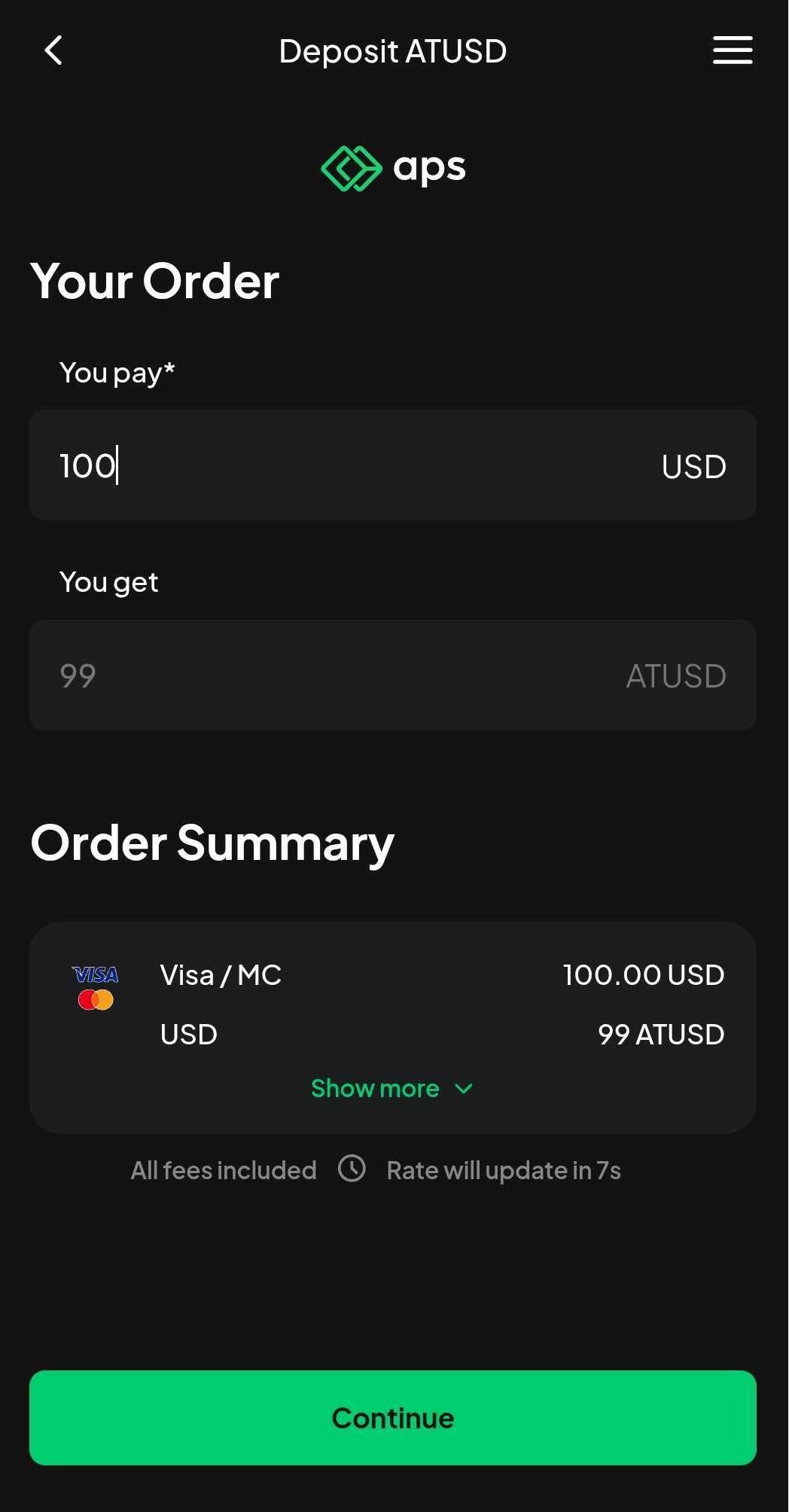
From your preferred wallet, select APS as the vendor to process your deposit.
Enter the desired deposit amount and carefully review the transaction details.
The minimum and maximum deposit limits vary based on the chosen payment method and currency.
At this stage, no payment will be processed.
Login
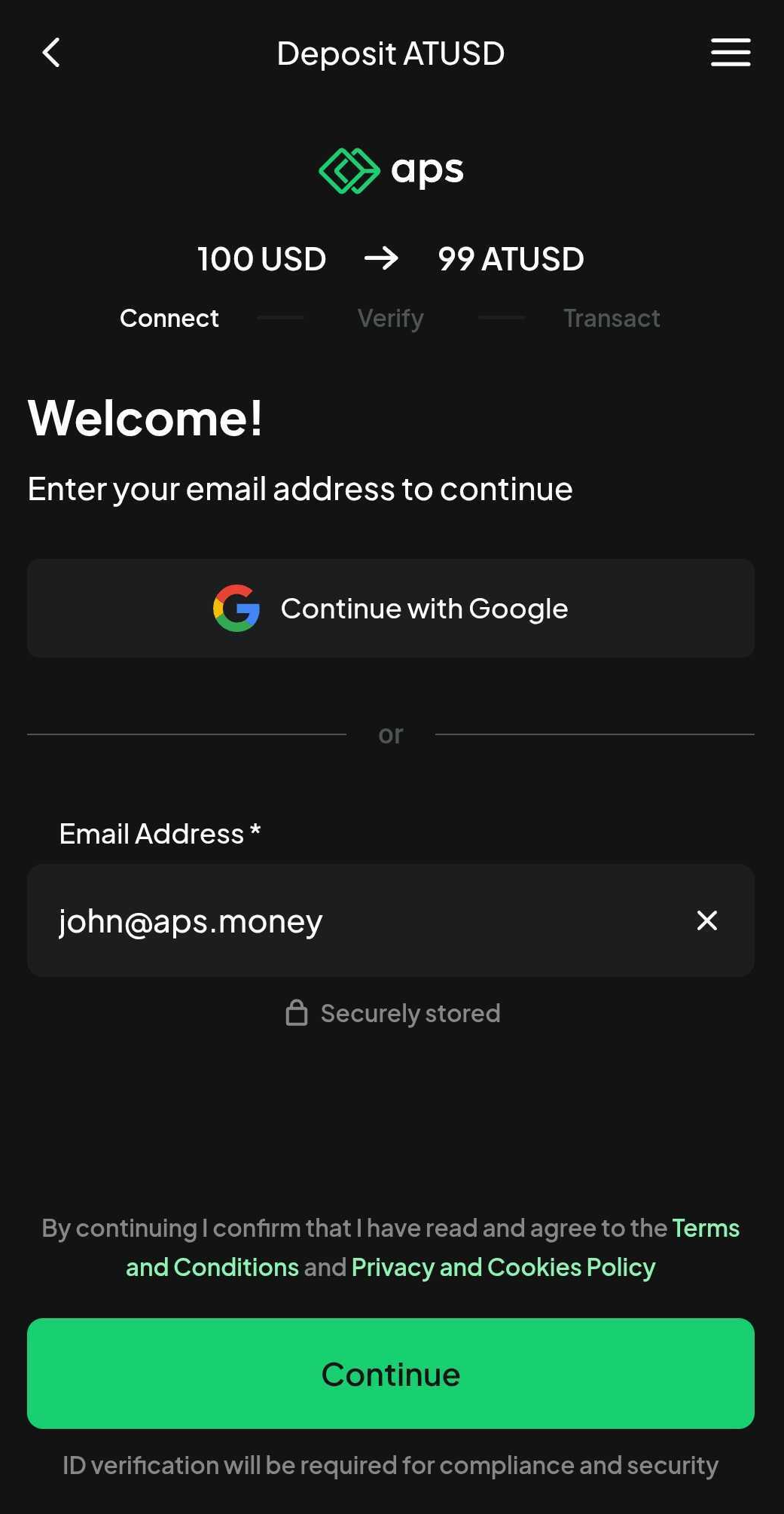
Verify your APS account by confirming your email address.
If you’re new to APS, click here for guidance on connecting with APS.
Submit Your Deposit
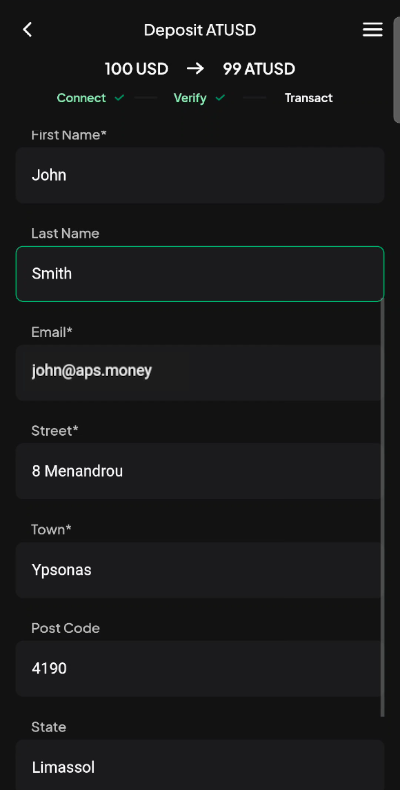
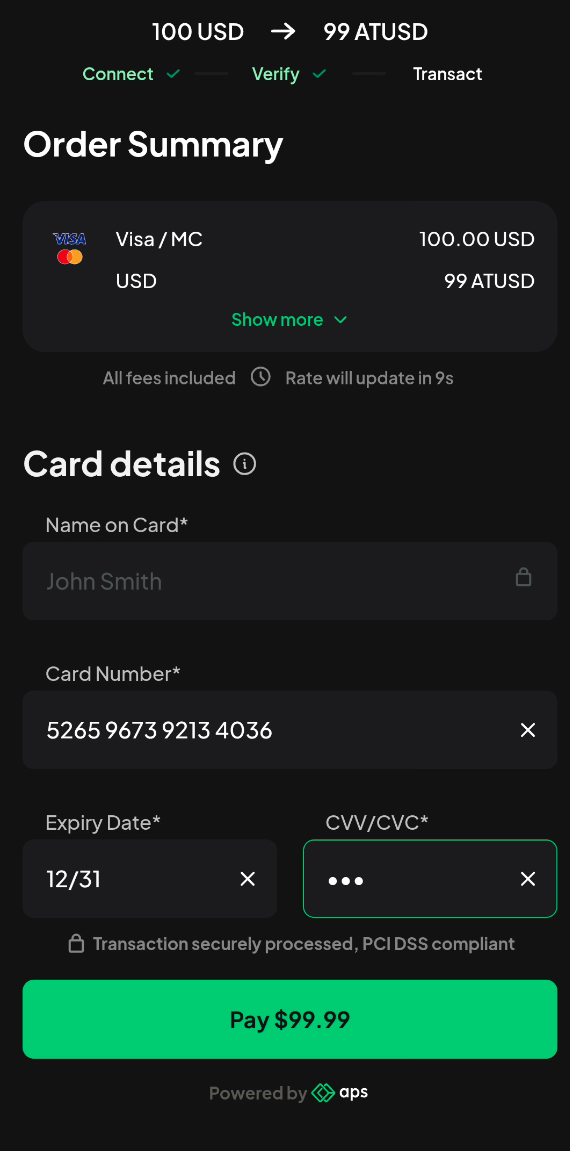
Based on the deposit method selected, you may need to provide additional details (e.g., bank card information or postal address).
Ensure all required fields are completed and accurate before proceeding.
Deposits can only be made using bank cards in your name. Third-party cards are not accepted.
Double-check your entries for accuracy to avoid delays.
Deposit Submitted
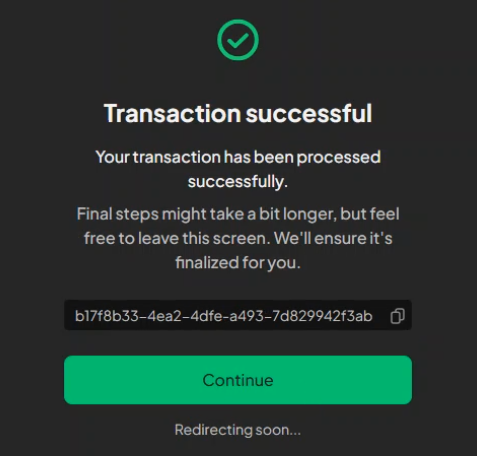
Your deposit is being processed and will appear in your wallet once complete.
You may return to your wallet.
Processing Times
Once confirmed, funds are usually deposited instantly or within a few minutes.
In rare cases, additional bank checks may delay the payment by a few hours.
Bank Card Verification Step
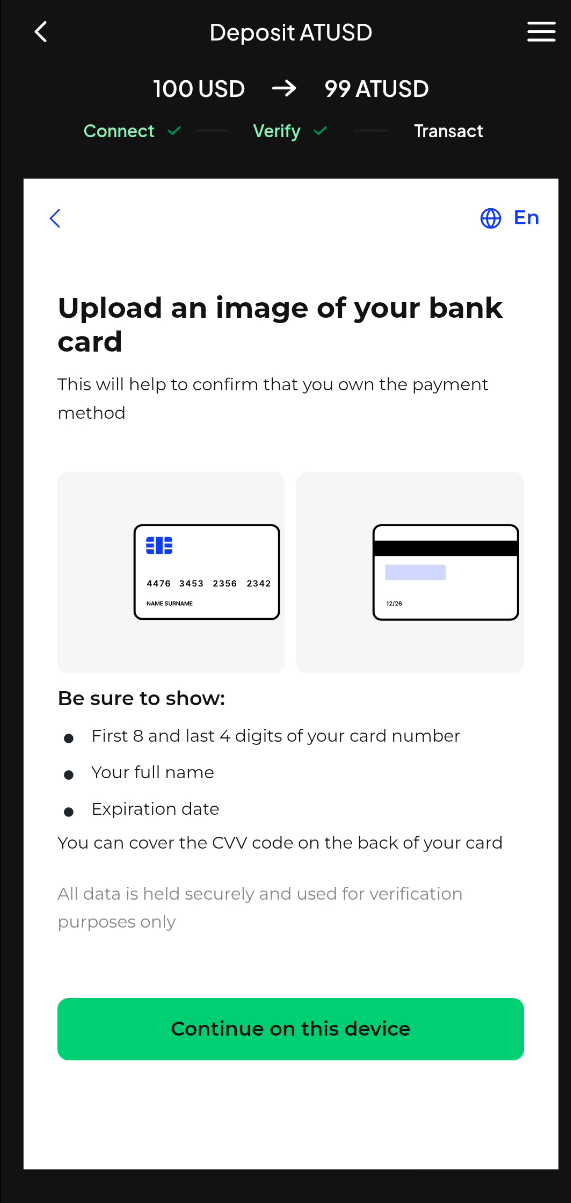
In certain cases, we need to verify your payment method by reviewing your card details.
This involves submitting a photo of your physical card or a screenshot of your virtual card. The required information includes the first 8 and last 4 digits of the card number, the name on the card, and the expiry date. The CVV does not need to be shown.
Your information is kept secure and is only used for identity verification.
Was this article helpful?
That’s Great!
Thank you for your feedback
Sorry! We couldn't be helpful
Thank you for your feedback
Feedback sent
We appreciate your effort and will try to fix the article